Solution
Cloud Backup & Disaster Recovery
Enterprise Cloud NAS Backup For Everyone
Automate the backup process so you can sit back and relax.
Let your storage do the work. Using the cloud as your primary storage means no more backups or maintenance.
Instant Recovery
Files are in the cloud and accessible from anywhere combined with no critical hardware means your files are available to you at all times.
File Level Restore
Restore files without having to restore your entire backup. Versioning means users can find old versions of their files at any time.
Elastic Scalability
Cloud storage virtualizes your file server so you never have to worry about running out of space. Save as many copies of your data as you need.
Backup to External Cloud
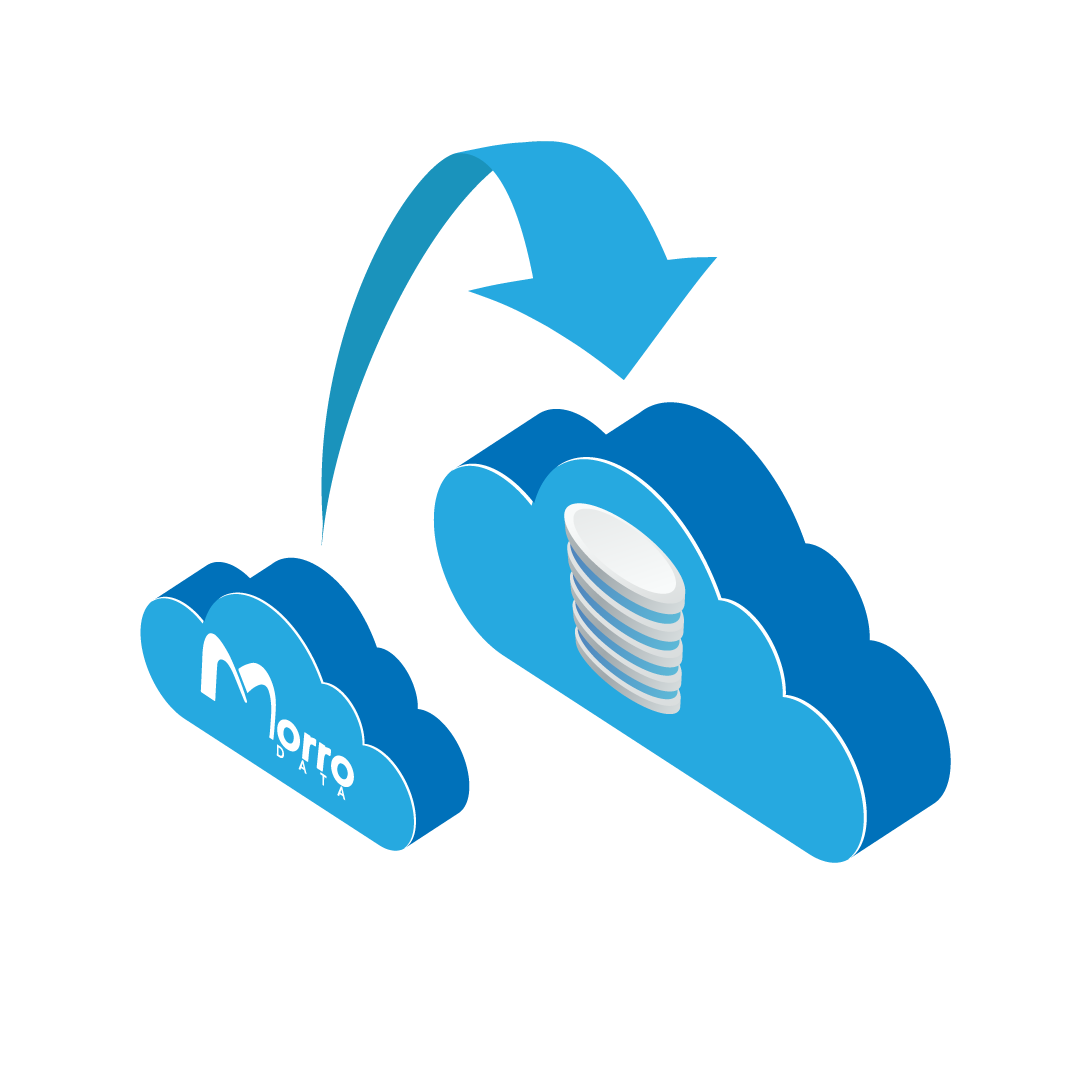
Use Cloud NAS Echo feature to backup a share or folder to your own separate admin controlled cloud account. ECHO mirrors files between a share and a third-party file sharing service such as Dropbox or OneDrive. Via ECHO, the user’s Morro Global File System is connected to third-party file sharing services for external sharing or collaboration.
Replicate and Scheduled Sync
Just need to back up? Replicate shares allow you to schedule your backups and take advantage of a lighter overhead, with an up to 2.5x speed increase over real-time Sync.

Ransomware Protection
The way to protect your files from ransomware attacks is to keep an off-site copy of your files. In most cases, there is a gap between your last backup and the time you are attacked meaning your recent data is at risk of being lost.
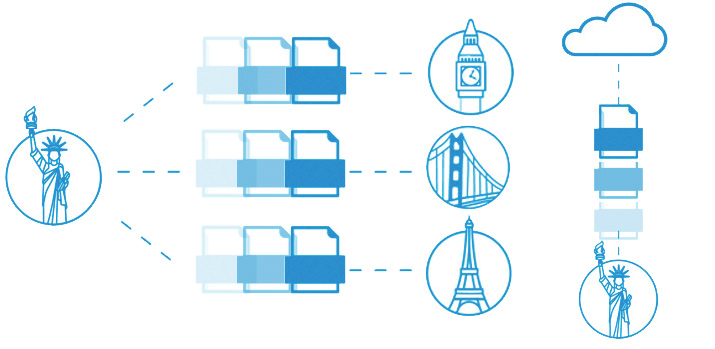
With Morro Data versioning, a new version is saved each time a file changes. This means that a file encrypted by the virus automatically saves a copy of the latest version of the file.