Solution
Hybrid Cloud Storage for Education
Fast. Simplified. Secure.
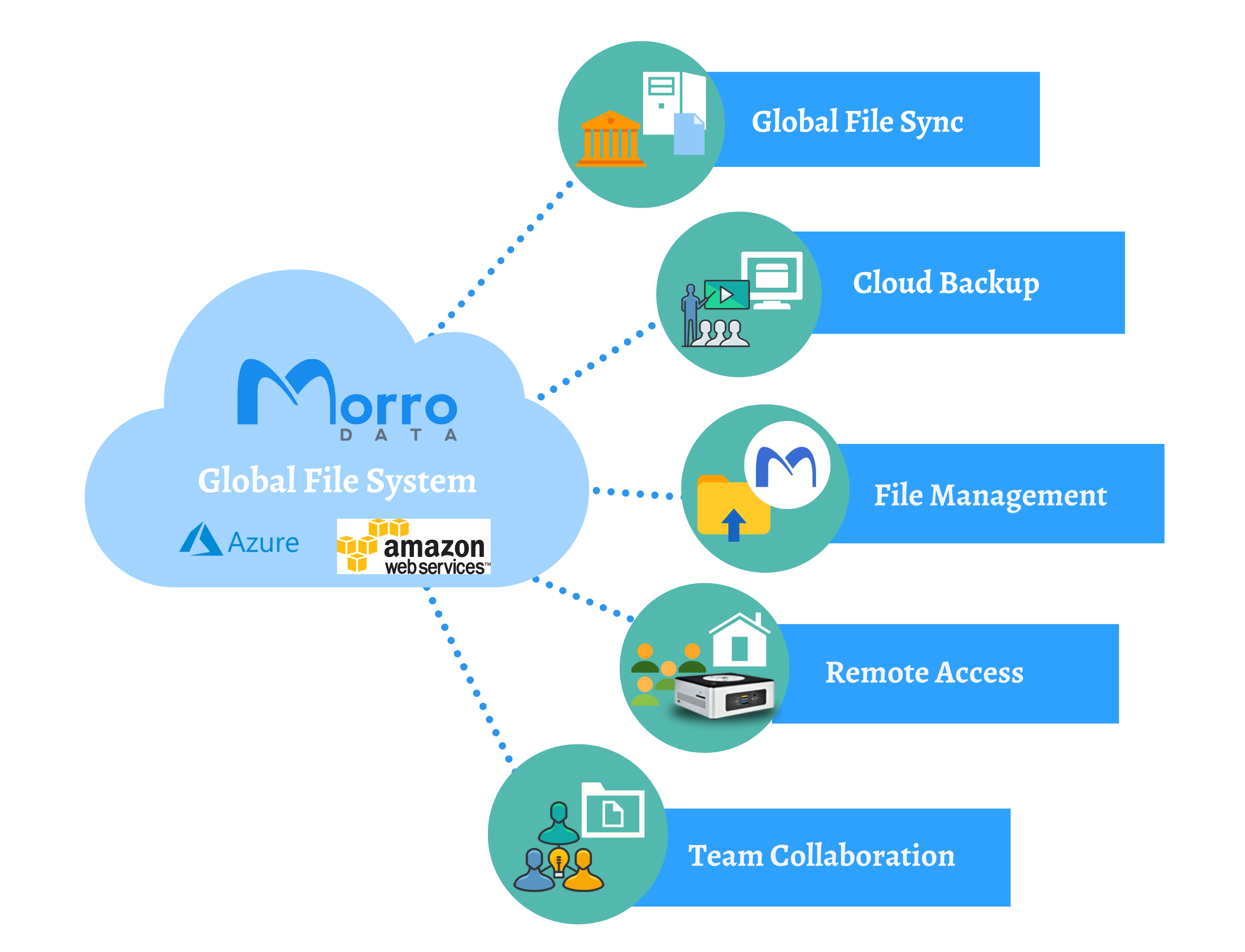
Morro Data’s global file system and cloud caching can sync a large amount of data among distributed workplaces. This also increases performance hundredfold compared to using slow remote VPN access. Instead of being physically present at the university, professors can now work and collaborate from home with the CacheDrive and bring the cloud to them while maintaining data consistency. Files are first locked, synced to all CacheDrives, and unlocked. Virtual Machine (VM) CacheDrive hosted on AWS allows scaling and integrating existing local hosted cloud resources, leveraging the CacheDrive and accessibility of the AWS internal networks for various file operations. Students can use Morro Connect to access the university network shares from anywhere, upload or download projects and homework assignments. The global file system presents the latest version to all users while preserving the previous versions, removing the need for manual update management. Morro Audit tracks all file access for record-keeping in a searchable cloud database in the event of user error or for retrospective investigation.
View Solution Overview
Global File Sync
Data is synced in real-time to all CacheDrive locations in the Morro Global File System. Master data is in the cloud and versions are kept according to policy
SaaS
Morro Data is a SaaS (Software as a Service). It’s pay as you grow. Amazon S3, Azure, Wasabi, and Backblaze are supported through the Morro Cloud Manager, allowing different data tiers with multiple storage providers
Low Latency
Latency between application and storage significantly impacts user productivity. With CacheDrive bringing the data to the user, data latency is significantly reduced compared to direct cloud access
CacheDrive Fast
Morro CacheDrive appliance is easy to deploy, offering up to 16TB of high-performance SSD/NVMe cache and up to 10GigE interconnect. VMs are available in VMware, Hyper-V, AWS, Azure
Remote Access
With the Morro Connect app in Windows or macOS, remote users and students can upload/download files without having a local CacheDrive
Team Collaboration
CacheDrive handles the file syncing and locking, supporting a wide range of applications including Microsoft Office, AutoCAD, Revit, and Adobe CC Suite of desktop apps
Centralized File Storage

Watch this quick video on how Cache & Sync works across your multiple buildings or locations. Morro CacheDrive makes sharing files between offices Quick, Easy, and Safe. Now sharing files or data across multi-site is just a click away.
Multi-sites File Sync and File Lock
Hybrid Classroom Collaboration
Morro Data supports application-level file locking across sites. With apps such as Microsoft Office, users will know when a file is in use and will not be able to overwrite it.
With versioning, users can recover files that are overwritten accidentally or look for an older version with data that was removed at a later time. Versioning also provides an instant, latest, good copy of the file anytime the file changes on their network shares.
Simple Access and File Transfer
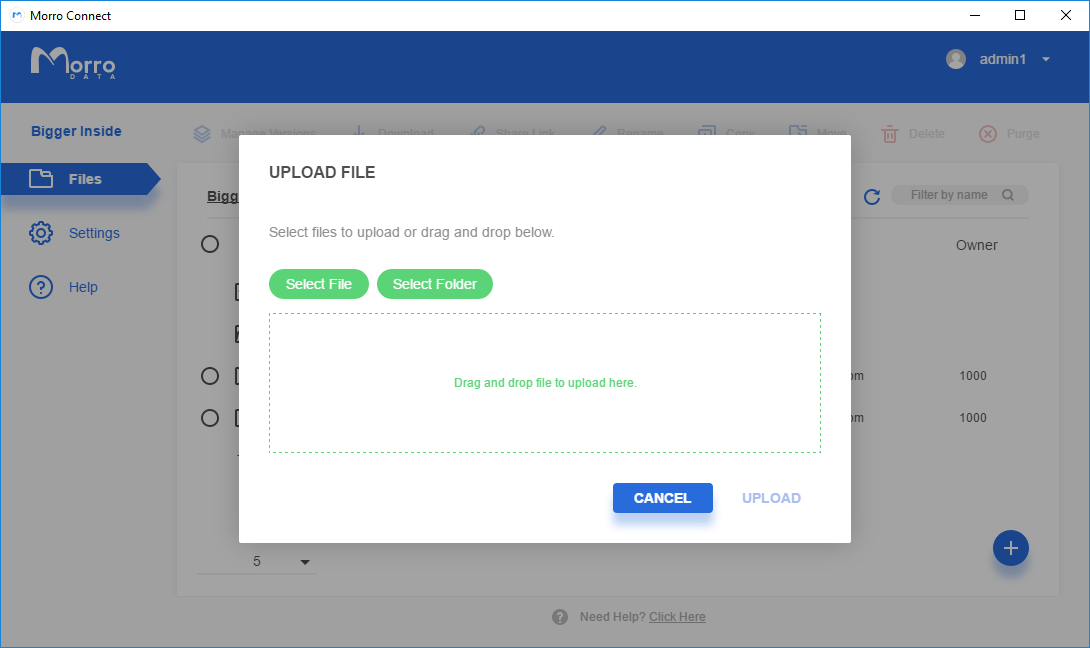
We’ve made it easy for you with our dedicated desktop app, web portal, or simple share drive access. Just need to backup to the cloud or transfer files to another location? Replicate shares allow you to schedule your backups and take advantage of a lighter overhead, with an up to 2.5x speed increase over real-time Sync.